Blog/ How to Deposit and Withdraw on SlotPesa Using Mobile Money
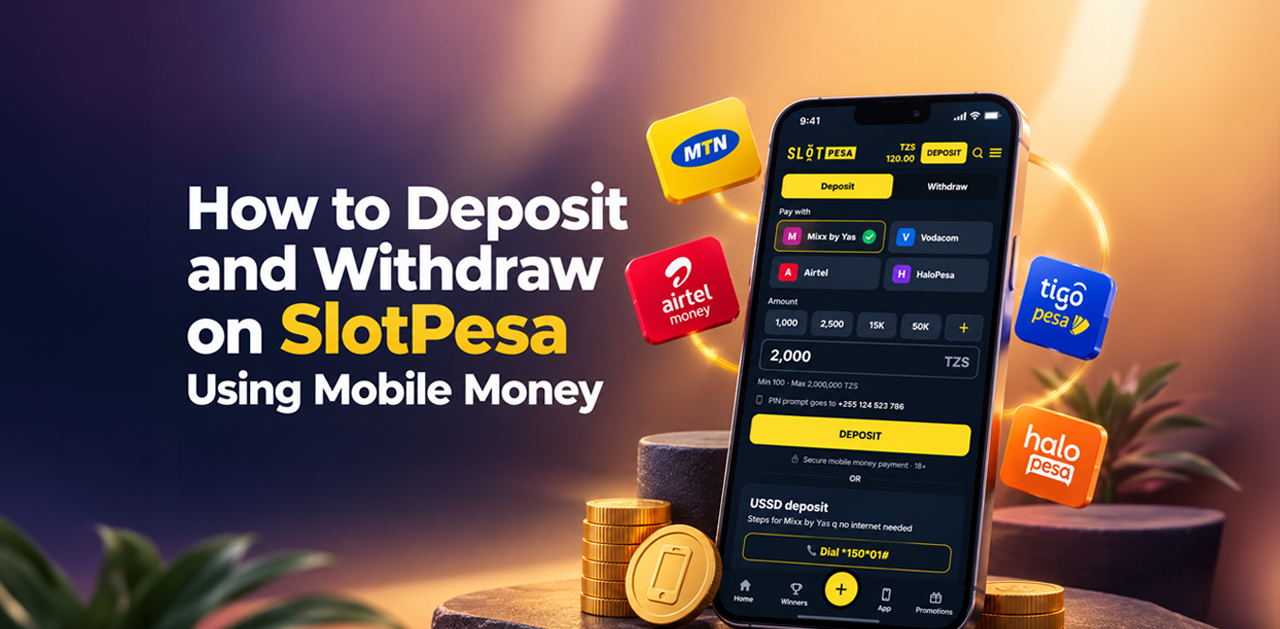
How to Deposit and Withdraw on SlotPesa Using Mobile Money
18.09.2026
Depositing and withdrawing money on SlotPesa is simple because your Mobile Money payment option is connected to the phone number registered on your account.
When you open the Deposit or Withdraw section, SlotPesa automatically displays the payment option available for your registered number. The instructions required to complete the transaction are also shown directly on the screen.
This guide explains how to deposit funds, request a withdrawal, and resolve common payment issues.
What Is Mobile Money?
Mobile Money is a payment service that allows you to store, send, and receive funds through your mobile phone number.
It provides a convenient way to manage payments without using a traditional bank card or cryptocurrency. On SlotPesa, your Mobile Money payment option is linked to the phone number registered on your account.
To complete transactions successfully, make sure you have access to the SIM card and Mobile Money account connected to that number.
How Does Mobile Money Work on SlotPesa
SlotPesa uses your registered phone number to identify and display the appropriate Mobile Money payment option.
This means you do not need to search for a payment provider or separate instructions. When you open the relevant payment section
📱 Your registered phone number is identified.
💳 The available payment option appears automatically.
📋 The instructions for your number are displayed on the screen.
✅ You follow the instructions to complete the transaction.
The steps may differ depending on the Mobile Money service connected to your number. Always follow the exact instructions shown in your SlotPesa account.
How to Deposit on SlotPesa
To add money to your SlotPesa balance:
1) Log in to your SlotPesa account.
2) Open the Deposit section.
3) The Mobile Money option connected to your registered phone number will appear automatically.
4) Enter the amount you want to deposit.
5) Review the amount and phone number before continuing.
6) Follow the instructions displayed for your mobile number.
7) Complete and confirm the transaction from your phone.
8) Return to SlotPesa and check your updated balance.
The payment instructions required for your number are available directly on the deposit screen. Follow them carefully to complete the transaction.
Never share your Mobile Money PIN, SlotPesa password, or verification code with another person. Your PIN should only be entered through the official payment confirmation process.
How to Withdraw from SlotPesa
To withdraw eligible funds from your SlotPesa balance:
1) Log in to your SlotPesa account.
2) Open the Withdraw section.
3) The withdrawal option connected to your registered phone number will appear automatically.
4) Enter the amount you want to withdraw.
5) Review the phone number and withdrawal details.
6) Follow the instructions displayed on the screen.
7) Confirm and submit your withdrawal request.
Once the withdrawal has been approved, the funds will be sent to the Mobile Money account connected to your registered SlotPesa number.
Make sure your registered number is active and that you have access to the associated Mobile Money account.
Why Should You Use Your Registered Phone Number?
Your phone number connects your SlotPesa account to the corresponding Mobile Money payment option.
Using the correct registered number helps SlotPesa:
🔐 Protect your account and transactions
✅ Display the correct payment instructions
📱 Connect deposits and withdrawals to your Mobile Money account
🧾 Track and verify transactions when support is required
If you no longer have access to your registered number, contact SlotPesa customer support before attempting a deposit or withdrawal.
How Long Do Deposits and Withdrawals Take?
Deposits are generally added after the transaction has been successfully confirmed. The exact processing time can depend on the Mobile Money network and the status of the transaction.
Withdrawals may take longer because the request may need to pass account and security checks before approval.
Processing time may be affected by:
📶 The status of the Mobile Money network
✅ Whether the transaction was confirmed correctly
🔐 Whether additional account verification is required
📱 Whether the registered mobile number is active
🧾 The current status of the payment request
If a transaction remains pending, avoid submitting the same request repeatedly. First, check your Mobile Money messages and SlotPesa transaction history.
Deposit and Withdrawal Limits
The minimum and maximum amounts may depend on the payment option connected to your number and the current account conditions.
The applicable limits are displayed in the Deposit or Withdraw section. Review the information shown on the screen before submitting your transaction.
If the entered amount is outside the allowed range, adjust it according to the displayed instructions.
What to Do If a Deposit Is Not Added
If money has been deducted from your Mobile Money account but has not appeared in your SlotPesa balance:
1) Check whether you received a successful payment confirmation.
2) Review the transaction history in your SlotPesa account.
3) Confirm that the payment was made from the number registered on SlotPesa.
4) Check that you followed all the instructions displayed on the deposit screen.
5) Do not submit the same deposit repeatedly.
6) Keep the Mobile Money transaction ID or confirmation message.
7) Contact SlotPesa customer support and provide the transaction details.
The transaction ID can help the support team locate and review the payment.
What to Do If a Withdrawal Is Delayed
If your withdrawal has not reached your Mobile Money account:
1) Check the status of the withdrawal in your SlotPesa account.
2) Confirm that your registered phone number is correct and active.
3) Check whether SlotPesa has requested additional verification.
4) Make sure you followed all the withdrawal instructions displayed on the screen.
5) Avoid submitting several withdrawal requests for the same amount.
6) Contact customer support if the request remains pending longer than expected.
Never provide your Mobile Money PIN or SlotPesa password when requesting support.
How to Keep Your Payments Secure
Follow these precautions when depositing or withdrawing:
🔐 Use only the official SlotPesa website.
📱 Use the mobile number registered on your SlotPesa account.
🔑 Never share your password, verification code or Mobile Money PIN.
✅ Review the phone number and amount before confirming a transaction.
📋 Follow only the instructions shown in your SlotPesa account.
📩 Keep transaction confirmation messages until the payment is completed.
🚫 Do not send money directly to individuals claiming to represent SlotPesa.
If you notice an unfamiliar transaction or suspicious account activity, change your password and contact customer support immediately.
New Player Offer
New players may qualify for 20 Free Spins after making an eligible first deposit of TZS 1,000 or more.
To participate:
1) Create a SlotPesa account.
2) Use the registered phone number to make your first deposit.
3) Deposit TZS 1,000 or more.
4) Follow the promotional instructions.
5) Receive 20 Free Spins for Avrika.
Read the full first deposit offer before participating. Eligibility requirements and promotional terms apply.
Manage Your SlotPesa Balance with Mobile Money
Mobile Money allows you to manage your SlotPesa balance directly through the phone number registered on your account.
Open the Deposit or Withdraw section, enter the required amount, and follow the instructions displayed for your number. Always review the payment details carefully before confirming a transaction.
Visit SlotPesa to log in and manage your balance.
18+ | Terms and conditions apply. Play responsibly.
Relative articles
More













Contact us
Support and Trust
License



Accepting payments via


